Free quote, with your logo
Describe material and work, pick items from your price list, preview it and send it on WhatsApp or email. The customer accepts from the link and you get the answer.
All-in-one repair shop management software
Check-in, quotes, stock, till, home rounds and customer communication, built for the way phone, computer and appliance repair shops actually work.
Free: no credit card, no commitment.
Artificial intelligence included
An AI assistant trained on Fixverso answers every request in real time: how to do it, where to find it, what to press. In five languages, at any hour.
Your shop website included, forever. See what it looks like
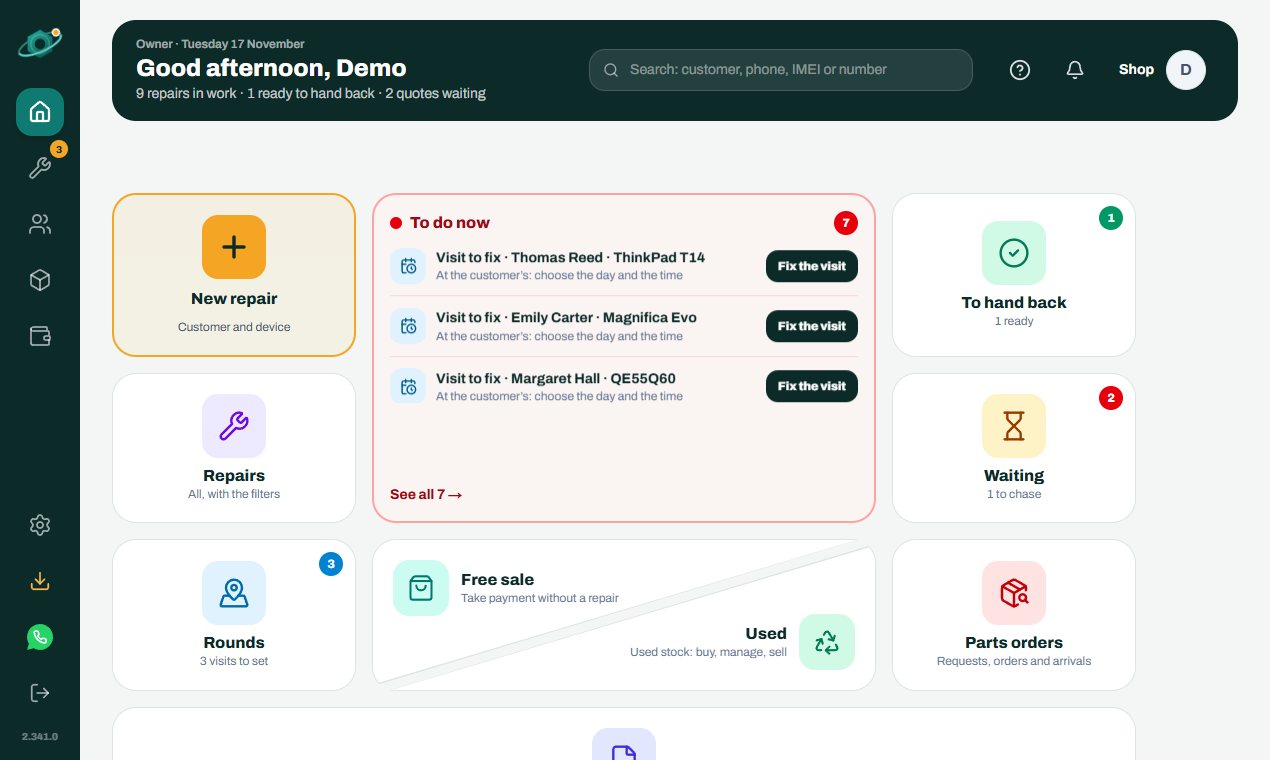
In the first guide you choose your trade: Fixverso switches on only the functions you need and hides the rest. Try it here: tap and watch the dashboard change.
What do you do? Choose everything you do
The other functions stay off, but you switch them on whenever you like from «My shop» → «Functions».
Works with the tools you already use
One program for the counter, the workshop, the stock and the till. Pick what you want to see.
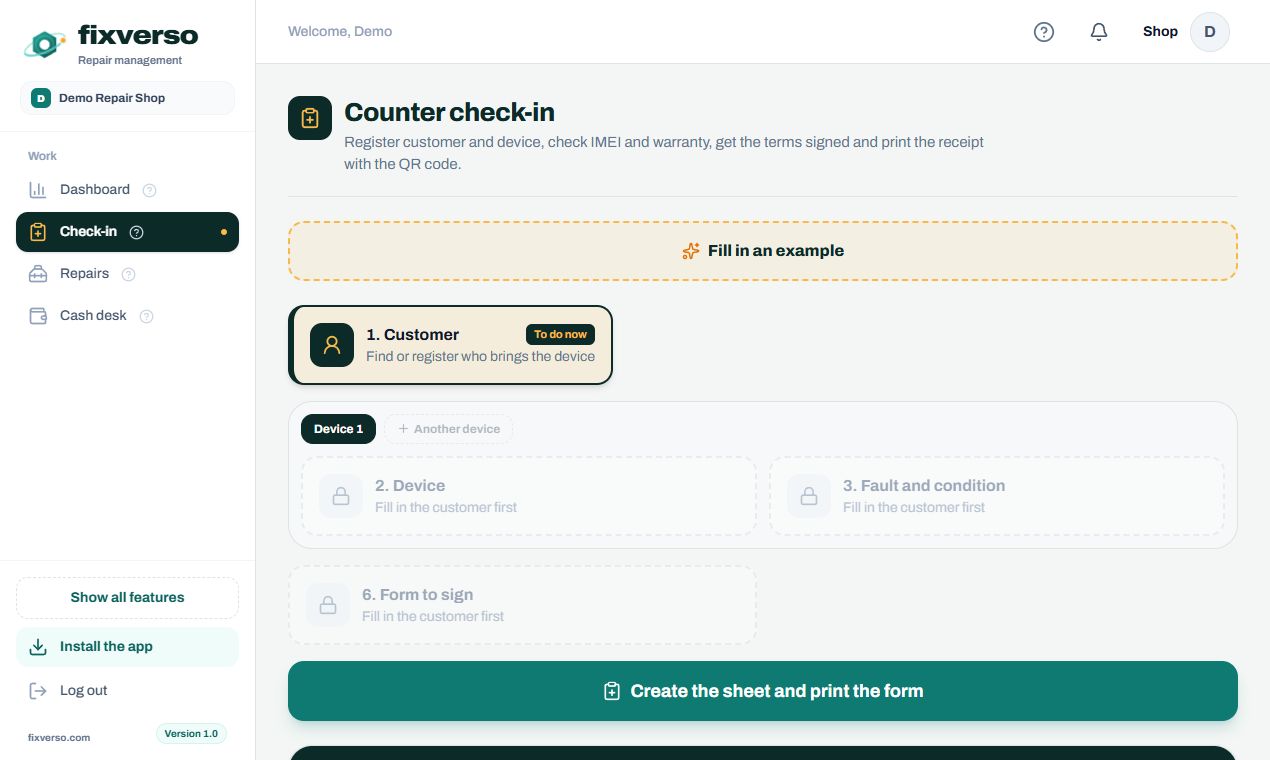
Customer, device, fault and condition on a single screen, with the form to sign in two copies and the QR on the receipt.
A clear path, with a notice at the right moment for each person in the shop.
You register the customer and the device, print the receipt with the signature and the label.
You choose the technician who follows the repair, or you do it yourself.
Fault, parts from the price list and hours. A new part? They flag it.
You find the price at the supplier: the quote is completed.
You check, edit and send the quote on WhatsApp or email.
They read and accept from the link. You get the answer at once.
They work, run the final test and write the work done.
You tell the customer, hand the device back and take the payment.
For those who install, sell or provide services: two tools that need no device to repair.
Describe material and work, pick items from your price list, preview it and send it on WhatsApp or email. The customer accepts from the link and you get the answer.
A customer asks you for a part at the counter: follow to order, waiting and arrived, and tell them when it arrives.
Clear messages, at the right time, in the customer’s language: you work, the program notifies.
Every subscription includes an online storefront of your own, forever and at no extra cost. We build it from the details you have already entered: no code to write and no web designer to pay.
Paste one line into your site and the «Ask for a repair» form appears with your colours. When a customer fills it in, the request lands in the app: you look at it and accept it when you like.
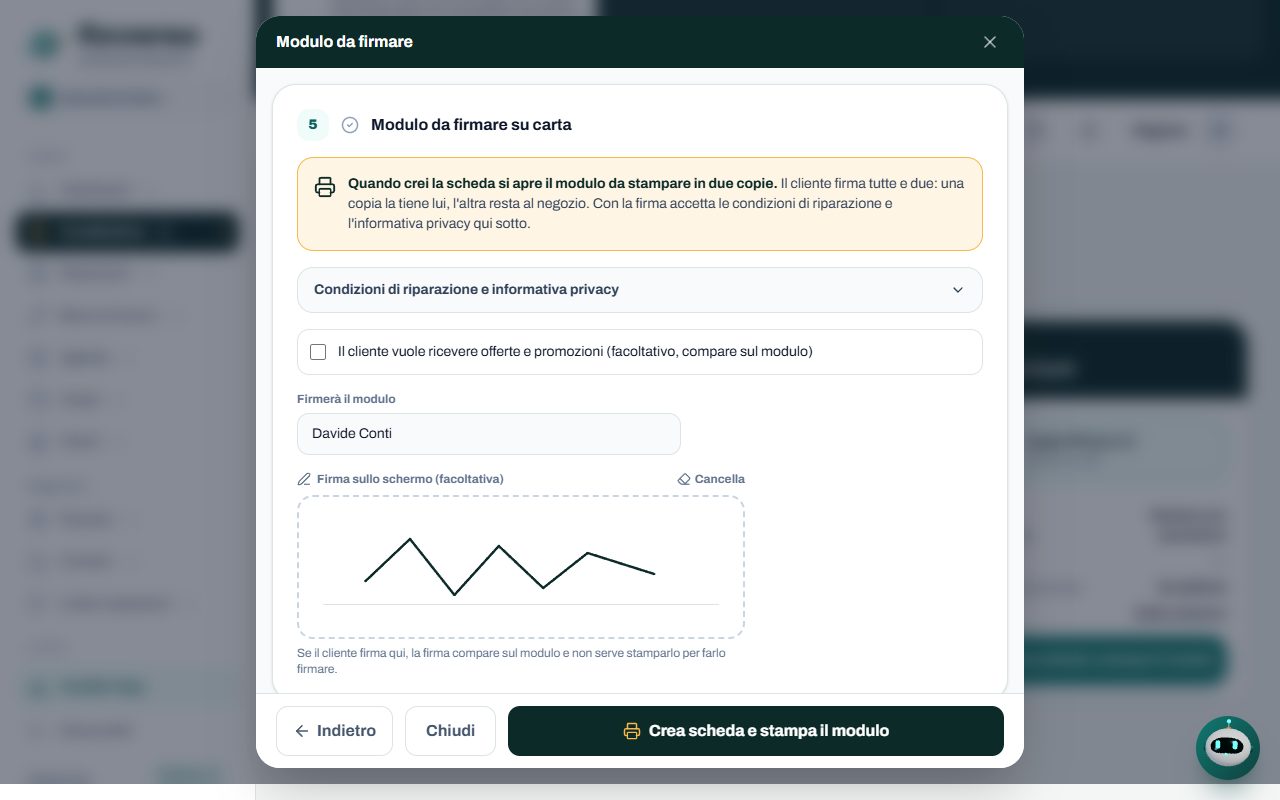
The customer signs the check-in on a phone or tablet: no paper to print and file.
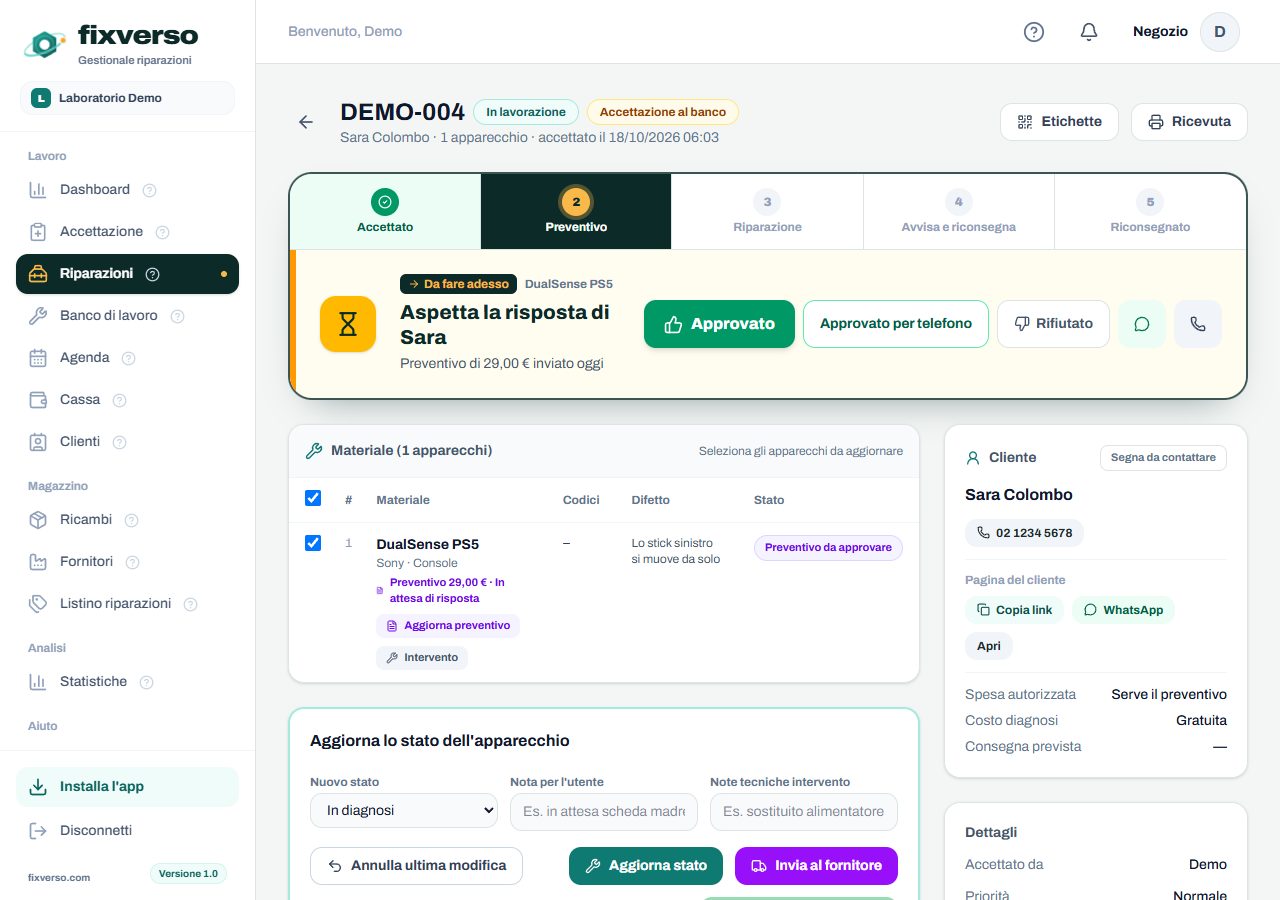
You send a link: the customer chooses «Approve» or «Refuse» with a tap. Fewer calls and a recorded answer.
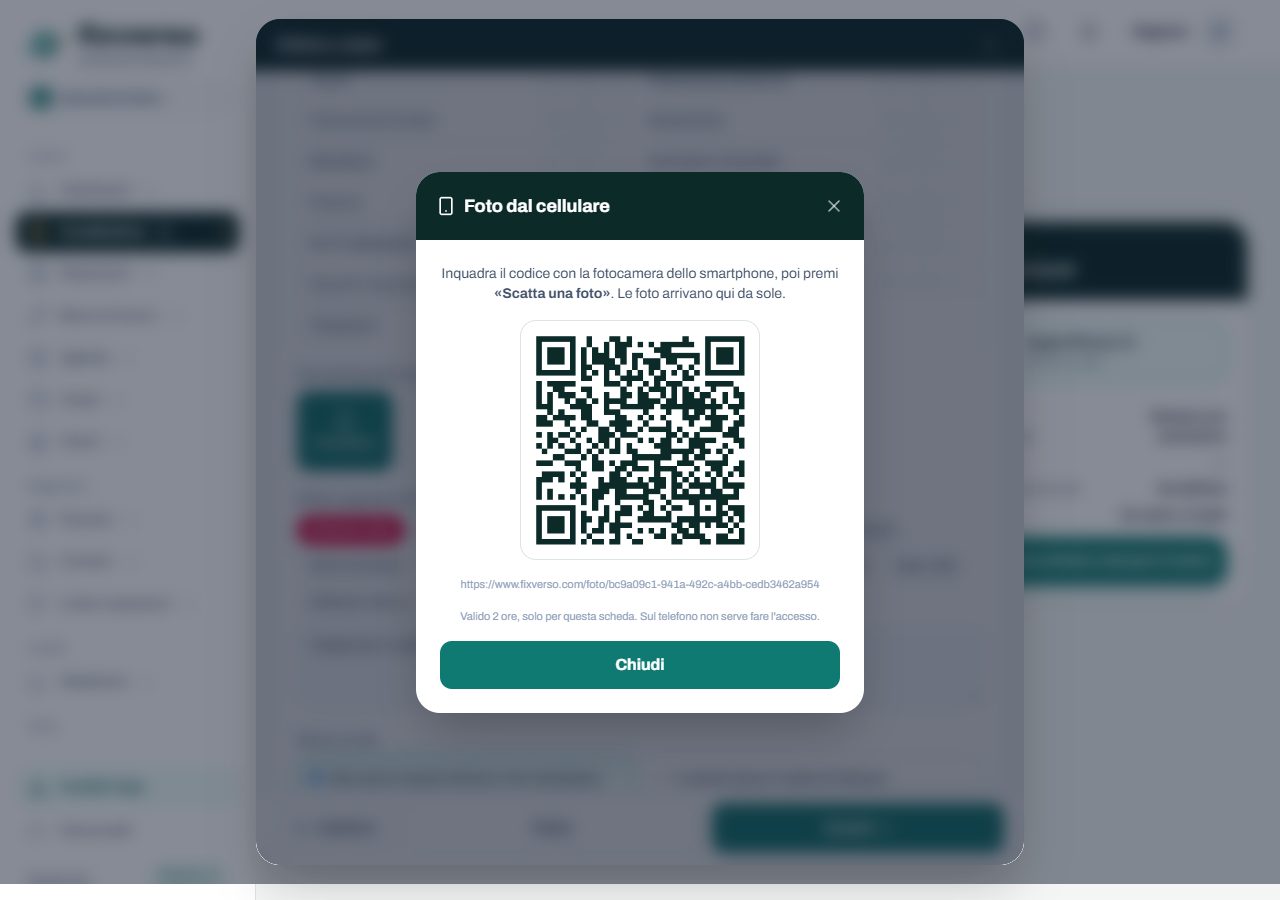
Scan a QR code and shoot with your phone: the device photos land in the repair sheet by themselves.
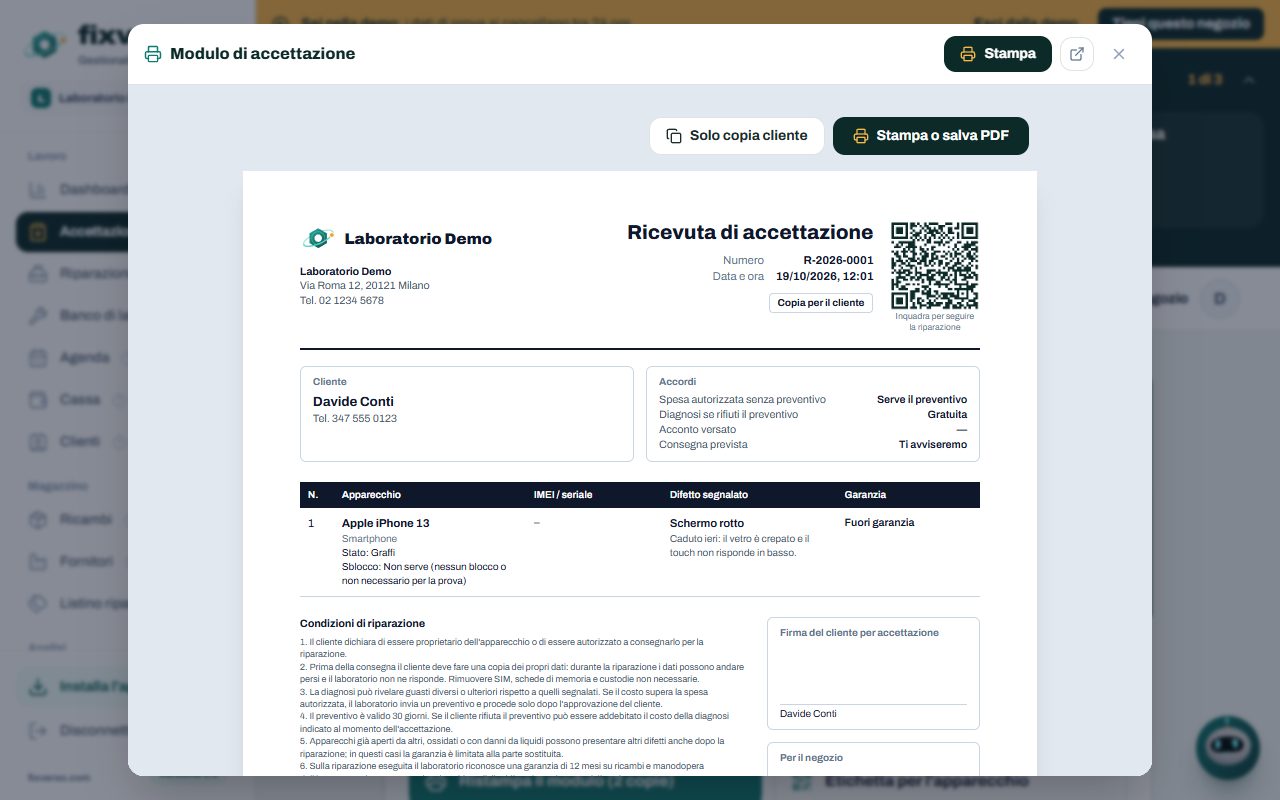
The customer scans the QR and sees how the repair is going, without calling you.
Fixverso already has the right forms, faults and accessories for each family of devices.
 Phones and smartphonesIMEI, entry tests and quotes on WhatsApp
 Computers and supportLaptops, PCs and technical support
 AppliancesJobs in the workshop and at home
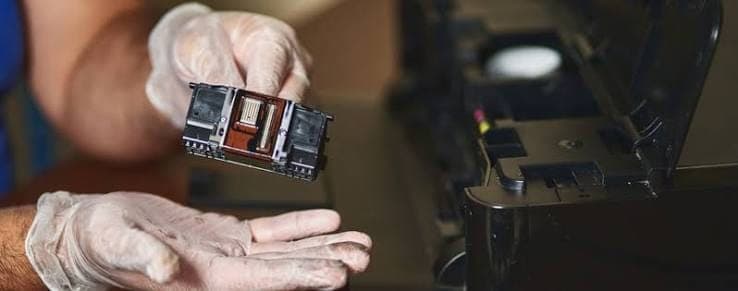 Printers and peripheralsPrinters, scanners and office support
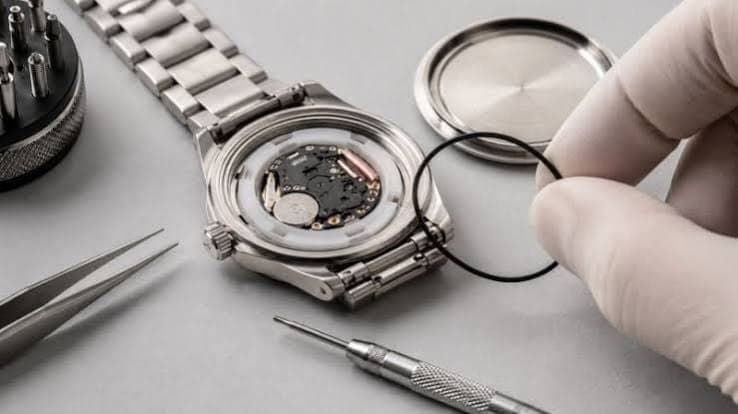 WatchesBatteries, glass and servicing
 Consoles and gamesRepairs and parts for every console
 TV and audioTelevisions, monitors and sound systems
 Bikes and scootersElectric and traditional, with spare parts
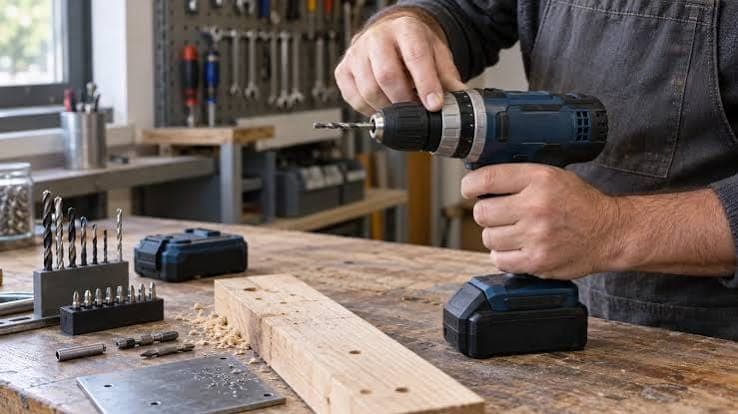 Power toolsDrills, drivers and garden tools
and more
Export the files from your old software (or from Excel) as CSV and import them into Fixverso, with a preview before you confirm.
Name, phone, email, address, VAT number and notes. Anyone already there is not duplicated.
Codes, quantities, minimum levels, suppliers, barcodes and purchase costs, with categories.
Each row is tied to the customer and you find it in their card, with date, device, fault and amount.
Columns are recognised by their names and you can correct them. Templates are ready to download and Fix guides you step by step.
Fixverso grows every week, with the requests of the shops that use it.
Every quote can be printed or sent as the «European Repair Information Form» (EU Directive 2024/1799), already filled in.
In the first guide you say what you do: Fixverso switches on only the functions you need. You switch the others on whenever you like.
Even without a repair: describe material and work, preview it and send it on WhatsApp or email. The customer accepts from the link and you get the answer.
A customer asks you for a part at the counter: follow to order, waiting and arrived, with a notice to the customer if you want.
When the examination is done, owner and counter get the notice, check the part prices and send the quote to the customer.
When a customer writes to you from the site or answers a quote, you get an email with the result.
No. Fixverso runs in the browser: the counter computer, a tablet for signatures and your phone for photos. All you need is an internet connection.
Yes: every quote can be printed or sent as the «European Repair Information Form» (EU Directive 2024/1799), already filled in with the shop, customer, costs and times.
Yes: there are ready-made sheets for computers, consoles, TVs, audio, small and large appliances, power tools and e-mobility, each with its typical faults and its own test.
No. The customer uses the QR code on the receipt or the link you send: a page opens in their browser, with no sign-up.
No: you keep issuing fiscal receipts with your cash register as you do today. Fixverso keeps the internal cash desk, check-in and pickup receipts, and quotes.
Your dashboard has a Help section with frequent questions and a step-by-step path for the first days. If you get stuck you can write to us with the «Report a problem» button or by email: a real person answers, in writing.
Every shop is separated from the others, access is personal and data is backed up. You can export customers and repairs whenever you like.
Start free and begin right away: your shop is already set up.